Blank Doormat Mockup 10: A Professional Tool for Design Presentation
Why This Doormat Mockup Stands Out
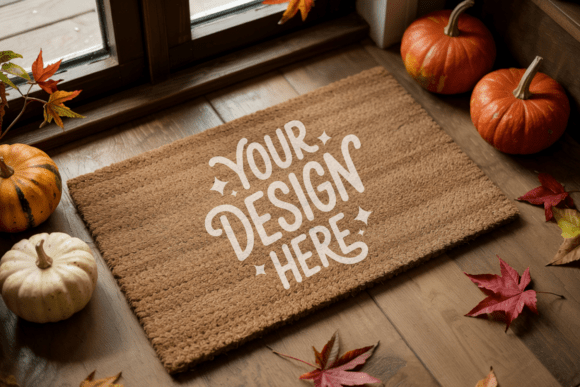
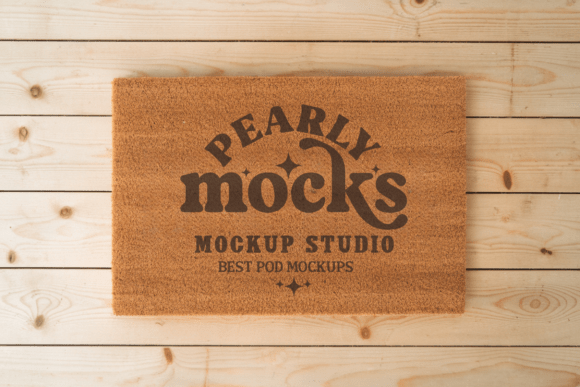
The Blank Doormat Mockup 10 is a high-quality digital asset designed for creators who need to present doormat artwork in a polished, realistic format. It offers a clean, professional look that works well for product listings, portfolios, and marketing materials. Unlike generic mockups, this one is tailored to showcase coir and natural fiber doormats with realistic textures and lighting, making it ideal for designers in home décor, lifestyle branding, or seasonal product lines.
At 300 DPI, the image resolution ensures sharp detail across print and digital outputs. The file is delivered as a JPG with no watermarks, allowing immediate use in design platforms like Canva and Photoshop. This compatibility streamlines workflow for professionals who need to integrate client artwork quickly and efficiently.
Practical Use Cases and Target Users
This mockup serves a variety of creative professionals, including graphic designers, Etsy sellers, branding consultants, and small business owners. It’s especially useful for those launching or expanding product lines that include welcome mats, seasonal doormats, or custom home accessories.
- Etsy sellers can use it to create consistent product visuals without investing in professional photography.
- Graphic designers can mock up client presentations with a clean, modern aesthetic.
- Marketing teams can generate lifestyle images for campaigns or social media assets.
Because the mockup features a minimalist, natural-light setup, it's best suited for designs that align with rustic, farmhouse, or contemporary interior themes. If your artwork leans toward bold colors or abstract patterns, this mockup can still work — but it's best paired with designs that complement earthy tones and organic textures.
Design Quality and Realism
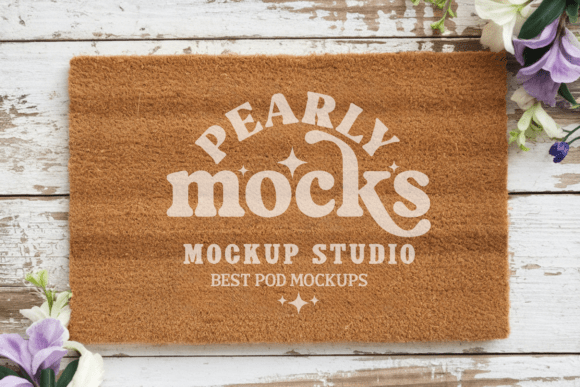
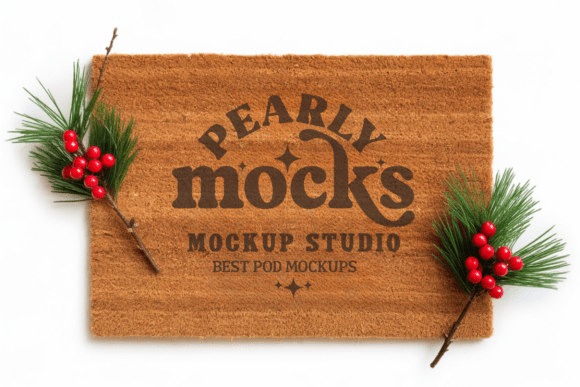
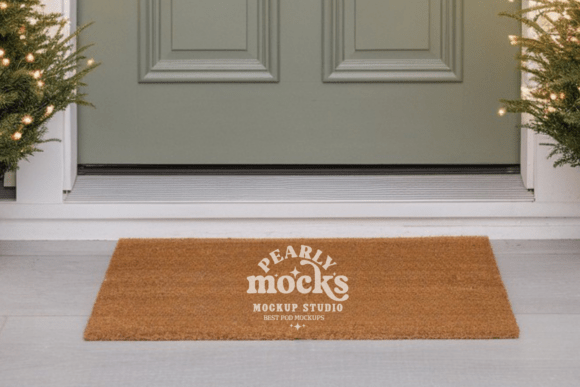
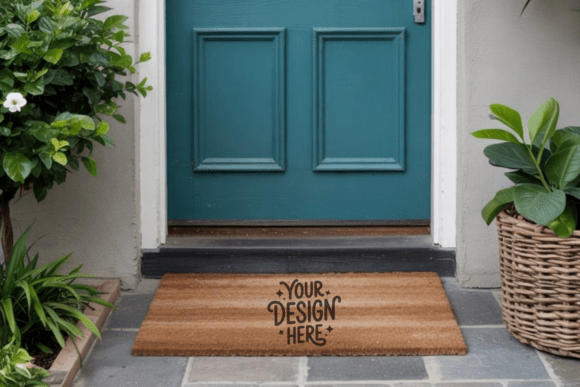
The Blank Doormat Mockup 10 delivers strong visual fidelity. The texture of the coir material is clearly visible, and the lighting enhances depth without overpowering the design. This realism is crucial when presenting a physical product digitally, especially for buyers who rely on accurate visuals before making a purchase decision.
One important note: colors may shift slightly depending on screen calibration or the lighting conditions in which the mockup is used. Designers should test their artwork across multiple mockups and adjust color profiles accordingly to ensure consistency in final output.
Usability and Workflow Integration
Using the mockup is straightforward. After downloading and unzipping the file, users can open it in their preferred design software and overlay their artwork. The process typically involves scaling the design to fit within the smart object layer and saving the final image — a workflow that takes just minutes.
For those unfamiliar with Photoshop or Canva, there are many free tutorials available online that guide users through mockup integration. The learning curve is minimal, especially for users already comfortable with basic design tools.
One limitation to note is that this is a static mockup — it doesn't include multiple angles or animated variations. If you're building a product page or portfolio that requires diverse visual perspectives, you may want to supplement this mockup with others in the series or invest in a more dynamic set.
Comparing Value and Long-Term Use
When evaluating the value of the Blank Doormat Mockup 10, consider how often you'll use it. For a one-time purchase, it offers a professional-grade visual tool that can be reused across multiple projects. If you're creating doormat designs on a regular basis — whether for clients or your own brand — this mockup pays for itself in time saved and presentation quality improved.
Compared to hiring a photographer or building custom 3D renders, digital mockups offer a cost-effective alternative that maintains a high standard of visual appeal. That said, it's worth investing in a few different mockups (e.g., side views, close-ups, or lifestyle shots) to round out your presentation toolkit.
Final Thoughts: Who Should Consider This Mockup?
The Blank Doormat Mockup 10 is best suited for professionals who need to present doormat designs quickly and consistently without compromising on quality. It’s especially valuable for small business owners, freelance designers, and online retailers who want to maintain a polished brand image without the overhead of custom photography.
If you're just starting out in product design or looking to refine your portfolio visuals, this mockup is a solid investment. It’s versatile enough for a wide range of design styles and easy enough to use for both beginners and experienced designers. However, if your work involves complex 3D modeling or requires multiple viewing angles, you may want to explore extended mockup packages or 3D rendering tools.
In short, the Blank Doormat Mockup 10 delivers what it promises: a clean, professional way to showcase doormat designs with minimal effort and maximum impact. For creators who value efficiency and presentation quality, it’s a worthwhile addition to their digital toolkit.