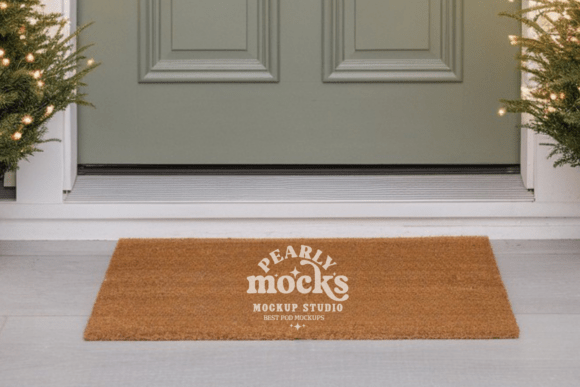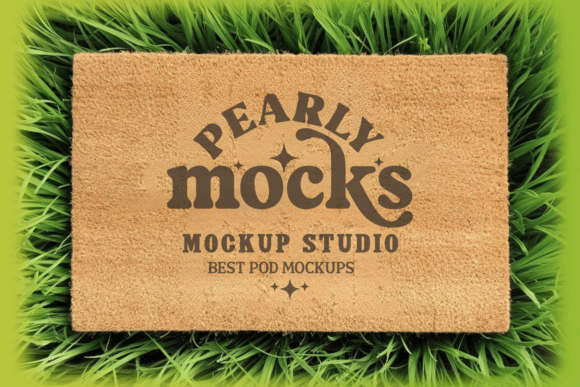
Doormat Mockup 3: Showcase Designs with Professional Clarity
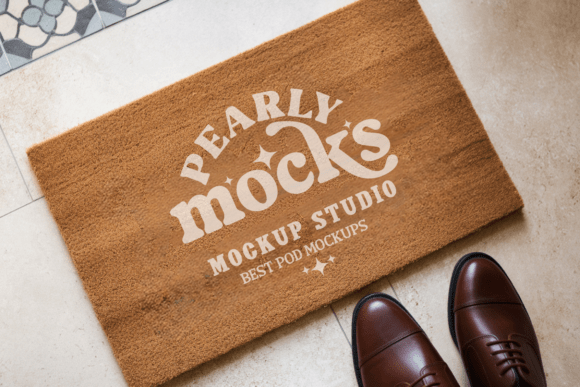
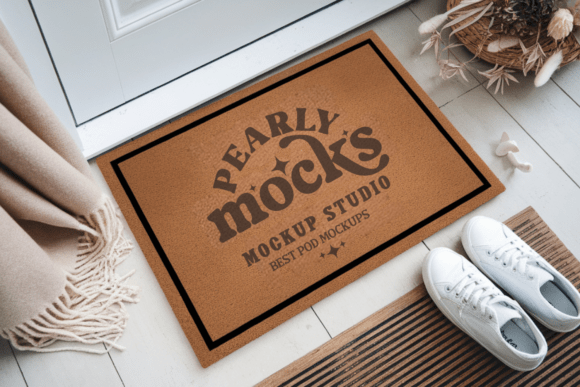
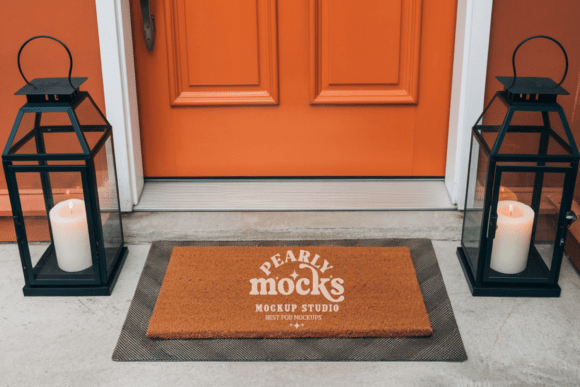
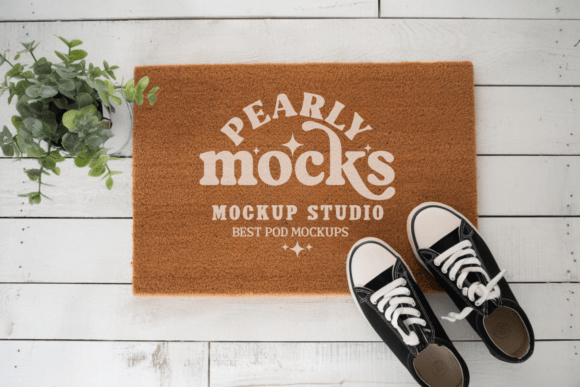
Designers and creators need visual tools that reflect the quality of their work. The Doormat Mockup 3 offers a streamlined way to present doormat designs in a realistic, appealing format. Whether you're developing custom doormat art for clients or preparing product visuals for an online store, this mockup helps bring your ideas to life with minimal effort and maximum impact.
Why Doormat Mockup 3 Matters for Designers
In a visually driven market, how you present your design matters as much as the design itself. A well-styled mockup like Doormat Mockup 3 allows you to show your work in context, helping clients and customers envision how the final product will look in a real-world setting. This is especially valuable for creators selling digital doormat templates, artists offering personalized designs, or small business owners launching a new product line.
The mockup’s high-resolution 300 DPI ensures that every detail of your design remains sharp and clear. Since it's delivered as a JPG file without watermarks, it’s ready to use immediately in design platforms like Canva and Photoshop. You can integrate your artwork seamlessly, making it a practical solution for those who need to produce professional visuals quickly.
Save Time While Elevating Your Presentation
One of the standout benefits of Doormat Mockup 3 is its efficiency. Instead of setting up a photoshoot or spending hours editing images, you can simply drag your design into the mockup file, adjust the scale, and export the result. This process typically takes just a few minutes, making it ideal for busy creators who want to maintain a polished portfolio or product listing without slowing down their workflow.
For example, an Etsy seller launching a line of farmhouse-style coir doormats can use this mockup to create product images that feel authentic and lifestyle-oriented. By placing their design into a realistic doormat scene, they instantly communicate quality and context—key factors in converting browsers into buyers.
Support Creativity with Realistic Visual Context
Creativity thrives when you can see your ideas in action. The Doormat Mockup 3 gives designers a visual reference that helps refine their choices—like how a minimalist design looks in a natural light setting or how a rustic pattern fits into a farmhouse aesthetic. This visual feedback loop supports better design decisions and encourages experimentation without the cost or complexity of physical samples.
Additionally, the mockup’s compatibility with popular design tools means you can layer in background elements, adjust lighting, or blend multiple mockups to build a cohesive look for your portfolio or marketing materials. This flexibility supports creative exploration while maintaining a professional outcome.
Who Benefits Most from Doormat Mockup 3?
This mockup is particularly useful for:
- E-commerce sellers who need lifestyle images for product listings
- Graphic designers offering custom doormat artwork
- Print-on-demand entrepreneurs creating digital assets for platforms like Redbubble or Zazzle
- Interior designers who want to visualize doormat options for clients
Each of these users benefits from the mockup’s clean, natural aesthetic and high-resolution output. For instance, a freelance designer working on a spring-themed doormat collection can use the mockup to simulate how the design would appear on a coir mat in a bright, modern entryway. This not only supports design accuracy but also strengthens client communication by offering a realistic preview.
Considerations for Best Use
While Doormat Mockup 3 is designed for ease of use, there are a few considerations to keep in mind. First, colors may appear slightly different depending on screen brightness or ambient lighting in the mockup. It's a good idea to test your design across multiple devices or export variations to ensure color consistency.
Also, the mockup works best with minimalist or natural light themes. If your design style leans more toward bold, urban, or high-contrast visuals, you may want to explore alternative mockups or enhance the background with additional design elements to match your aesthetic.
How to Get Started with Doormat Mockup 3
Getting started is simple:
- Download and unzip the file
- Open it in your preferred design software (Canva, Photoshop, etc.)
- Drag in your artwork and scale it to fit the doormat area
- Save and use your polished visual
This straightforward process makes it accessible even for beginners or those with limited design experience. You don’t need advanced skills to create professional results—just a clear vision and the right tools.
Make Your Designs Stand Out
In a crowded marketplace, presentation can be the difference between a design that gets noticed and one that gets overlooked. With Doormat Mockup 3, you have a reliable, high-quality tool to elevate your visuals and communicate your ideas effectively. Whether you're building a portfolio, updating a product catalog, or pitching a client, this mockup helps your designs shine in a way that feels both professional and authentic.