Outdoor Doormat Mockup for Stunning Design Previews
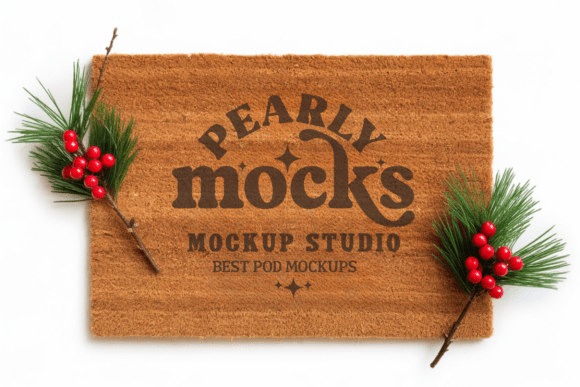
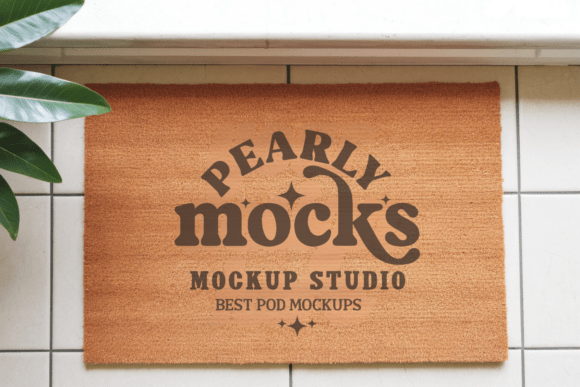
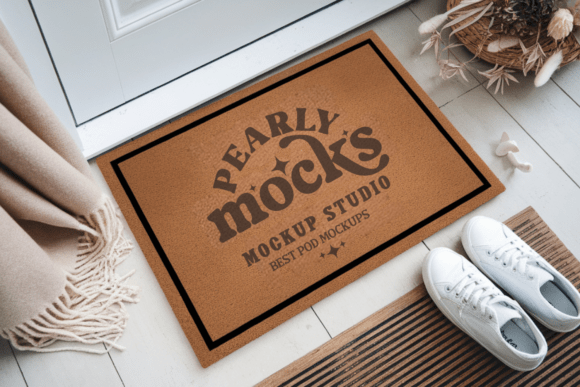
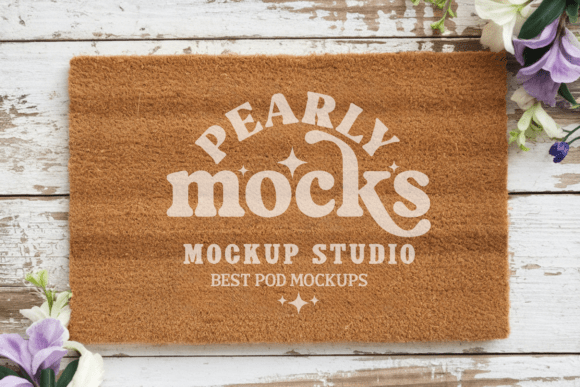
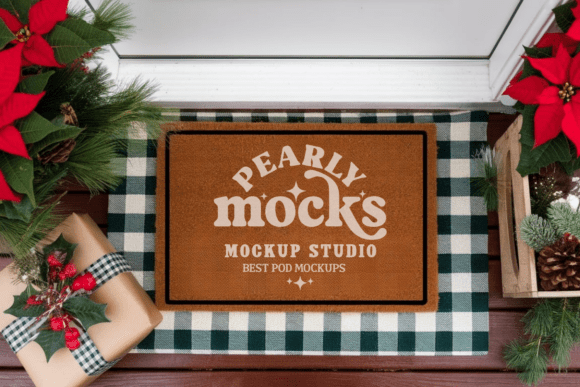
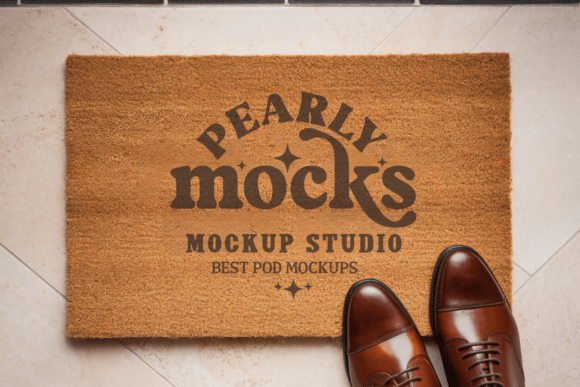
Creating professional product visuals doesn’t have to be complicated. The Blank Outdoor Doormat Mockup 7 gives designers and creators a simple way to turn their artwork into polished, realistic images. Whether you're selling custom doormats online or building a portfolio, this tool helps your designs stand out without needing advanced photography or editing skills.
This digital mockup is a high-quality JPG file with 300 DPI resolution, making it ideal for crisp, detailed visuals. It's compatible with popular design tools like Canva and Photoshop, so you can easily insert your artwork and preview it on a realistic outdoor doormat. With no watermarks and a clean, modern look, it’s ready to use right out of the box.
Why Use a Doormat Mockup?
Visuals play a big role in how your products are perceived. A well-designed image can help customers imagine your doormat in their own homes, increasing trust and interest. The Blank Outdoor Doormat Mockup 7 makes it easy to create those visuals without expensive equipment or complex setups.
- Showcase your designs realistically – See how your artwork looks on a natural coir doormat texture.
- Save time and effort – No need for photo shoots or manual editing.
- Present your work professionally – Perfect for online stores, social media, portfolios, and design proposals.
Perfect for Different Design Styles
This mockup works especially well with natural light themes and minimalist designs. It features a clean, brushed coir texture that complements farmhouse, rustic, and modern decor styles. Whether you're designing seasonal greetings, minimalist patterns, or personalized messages, this mockup helps your artwork shine in the right context.
For example, if you're creating a summer-themed doormat with floral designs, this mockup can help you visualize how the colors and layout will look in a real-life setting. Similarly, if you're designing a sleek, modern “Welcome” mat for a boutique storefront, this tool gives you a clean and stylish preview.
How to Use Blank Outdoor Doormat Mockup 7
Getting started is simple. Once you download and unzip the file, open it in your preferred design software. From there, you can drag and drop your artwork onto the smart layer, adjust the size and position, and save your new product image. It’s a fast and effective way to create visuals that look professionally shot.
- Download and extract the file
- Open the mockup in Canva, Photoshop, or similar software
- Insert your artwork into the designated layer
- Adjust scale and alignment
- Export your finished visual
Who Can Benefit from This Mockup?
This tool is useful for a wide range of users. Whether you're a small business owner selling custom doormats, a freelance designer building a portfolio, or a hobbyist trying out new creative ideas, the Blank Outdoor Doormat Mockup 7 can help you present your work more effectively.
Entrepreneurs launching a new product line can use it to create consistent and attractive listings on platforms like Etsy or Shopify. Educators teaching graphic design can show students how to apply their work to real-world products. Bloggers and content creators can use it to generate lifestyle images that feature their own doormat designs in a natural setting.
Important Considerations
While this mockup is designed to be user-friendly, there are a few things to keep in mind. Colors may appear slightly different depending on your screen brightness or the lighting in the original mockup image. It's a good idea to preview your final image on different devices to ensure color accuracy.
Also, since this mockup is best suited for minimalist and natural-themed designs, you may want to choose artwork that complements those styles. If your design is very bold or colorful, you might want to test how it looks in the mockup before finalizing your layout.
Real-World Use Cases
Here are a few practical ways people are using the Blank Outdoor Doormat Mockup 7:
- Etsy sellers – Creating high-quality product photos for custom doormat listings.
- Graphic designers – Building a professional portfolio with realistic design previews.
- Interior decorators – Showing clients how custom doormats would fit into a space.
- Marketing teams – Generating visuals for seasonal promotions or new product launches.
- DIY creators – Sharing their design ideas on social media or personal blogs.
Make Your Designs Shine
Your artwork deserves to be seen in the best light. The Blank Outdoor Doormat Mockup 7 gives you a quick, reliable way to create beautiful visuals that help your designs stand out. Whether you're just starting out or managing a full design business, this mockup is a valuable tool for turning your ideas into professional-looking images in minutes.