How Doormat Mockups Elevate Your Design Presentation
In today's visually driven market, presenting your designs in the most appealing way possible is essential. Whether you're a seasoned graphic designer or just starting out, the right tools can make all the difference. One such tool that's gaining popularity among creative professionals is the doormat mockup. This digital asset allows you to showcase your artwork on a realistic doormat template, giving your clients or customers a clear idea of how the final product will look.
What Exactly Is a Doormat Mockup?
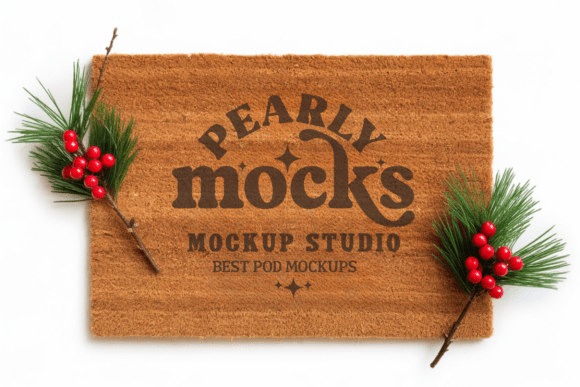
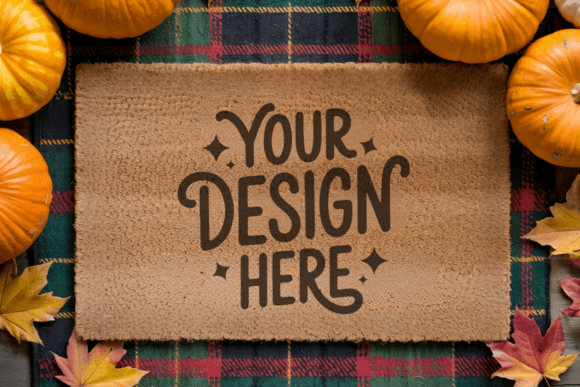
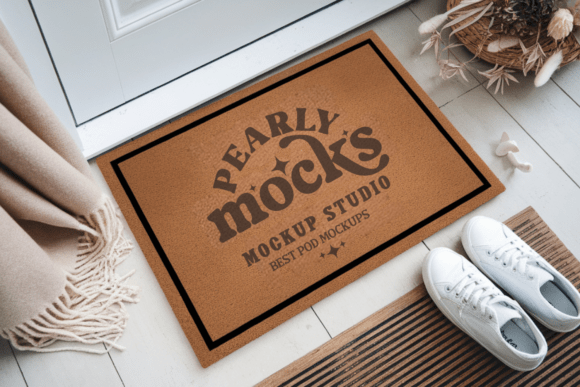
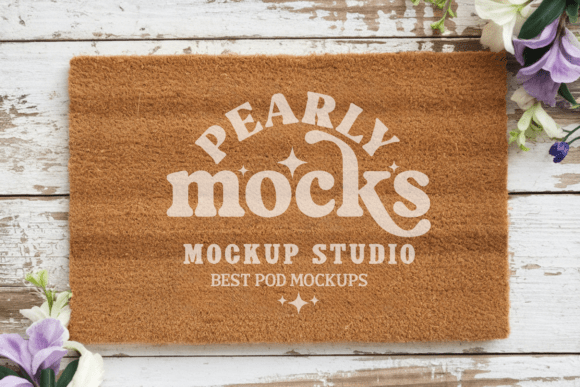
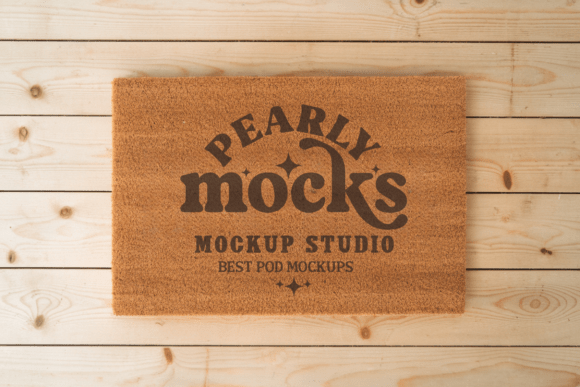
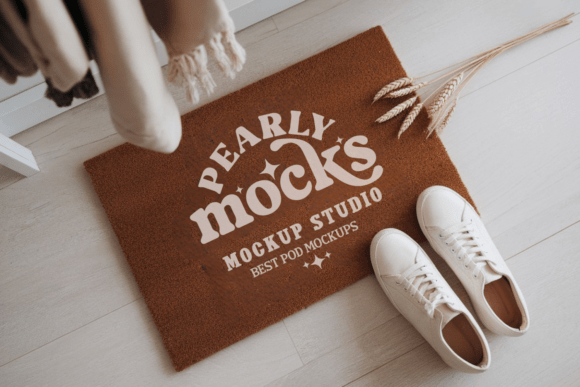
A door mat mockup is a digital representation of a doormat where you can overlay your design. It's typically provided as a high-resolution image file (like JPG) that you can edit using design software such as Canva or Photoshop. These mockups come pre-styled to reflect real-world conditions, helping your artwork appear more authentic and market-ready.
For instance, the farmhouse coir doormat mockup mimics the texture and appearance of natural coir mats often used in rustic or minimalist home décor. This level of realism helps potential buyers visualize your design in a practical setting, increasing the likelihood of a purchase or approval.
Why Use a Doormat Photo Mockup?
Using a doormat photo mockup offers several advantages:
- Professional Presentation: It instantly upgrades the look of your design portfolio or product listing.
- Time Efficiency: You can create high-quality visuals without the need for physical prototypes or photo shoots.
- Flexibility: Easily swap designs in and out to compare options or offer variations to clients.
- Marketing Power: Realistic visuals help attract attention on e-commerce platforms, social media, and design portfolios.
Understanding the Technical Aspects
Most coir doormat mockups come in high-resolution JPG format at 300 DPI, ensuring that your design appears crisp and clear. They are also compatible with a wide range of design tools, including Canva, Photoshop, and Illustrator, making them accessible to both beginners and professionals alike.
One of the key features of these mockups is that they are clean and watermark-free, allowing you to focus solely on your design without distractions. However, it's important to note that colors may appear slightly different depending on your screen brightness or the lighting in the mockup image. This is a common occurrence in digital design and something to keep in mind when matching brand colors or specific palettes.
When to Use a Doormat Mockup
Doormat mockups are incredibly versatile and can be used in various scenarios:
- E-commerce Product Listings: Showcase your doormat designs on a realistic background to attract buyers.
- Design Portfolios: Present your work in a professional and visually engaging format.
- Social Media Marketing: Create eye-catching posts that highlight your latest doormat concepts.
- Client Presentations: Impress clients with polished visuals that reflect the final product accurately.
Choosing the Right Mockup Style
There are many types of simple door mat mockups available, each tailored to a specific design aesthetic. For example:
- Rustic Doormat Stock Photos: Ideal for farmhouse or vintage-themed designs.
- Minimalist Mockups: Perfect for modern, clean, and contemporary styles.
- Seasonal Themes: Great for promoting spring, summer, or holiday-themed doormats.
When selecting a mockup, consider the intended use and the visual tone of your brand or project. A brushed coir doormat mockup might be best for a natural, eco-friendly product line, while a cute doormat mockup could suit a playful or whimsical design.
How to Use a Doormat Digital File
Getting started with a doormat digital file is simple:
- Download and Unzip: Most mockups come in a compressed ZIP folder containing the JPG file.
- Open in Design Software: Use Canva, Photoshop, or any compatible tool to open the file.
- Insert Your Design: Drag your artwork into the document, align it with the mockup layer, and scale as needed.
- Save and Export: Once satisfied, save your file in the desired format for use online or in print.
This process can take just a few minutes, allowing you to quickly generate professional visuals without the need for advanced technical skills.
Common Misconceptions About Mockups
Some designers believe that mockups are only for large studios or experienced professionals. In reality, anyone can benefit from using them — from freelancers to small business owners. Another common misunderstanding is that mockups are difficult to edit. However, most modern mockups are designed with user-friendliness in mind, especially those compatible with drag-and-drop tools like Canva.
Additionally, while many people associate mockups only with product photography, they are also powerful tools for branding, marketing, and client communication. A well-executed entryway doormat design mockup can serve as a cornerstone for your visual identity.
Practical Examples of Doormat Mockup Use
Let’s explore a few real-world applications:
- Online Stores: If you sell custom doormats on Etsy or Shopify, using a spring summer natural rug mock can help your product stand out in a crowded marketplace.
- Graphic Designers: A freelance designer working on a welcome mat concept can use a stylish doormat mockup to present the design to a client without needing a physical sample.
- Interior Designers: These mockups can help visualize how a doormat will look in a room setting, aiding in client decision-making.
Final Thoughts
In a world where visuals play a crucial role in consumer decisions, having the right tools to showcase your work is more important than ever. A doormat mockup offers a simple yet powerful way to elevate your design presentation, save time, and impress your audience.
Whether you're creating a 24x16 doormat mock-up for a client or preparing product images for your online store, investing in high-quality mockups can significantly enhance your workflow and results. With their ease of use, professional finish, and adaptability to various design styles, doormat mockups are a must-have in any designer's toolkit.